

Overview
boundless is a command-line interface for interacting with the Boundless Market, specifically designed to help requestors and provers with common interactions
Installation
The Boundless CLI source code can be found at boundless/crates/boundless-cli.
Overview
What is a module?
Once installed, simply runningboundless gives a helpful overview:
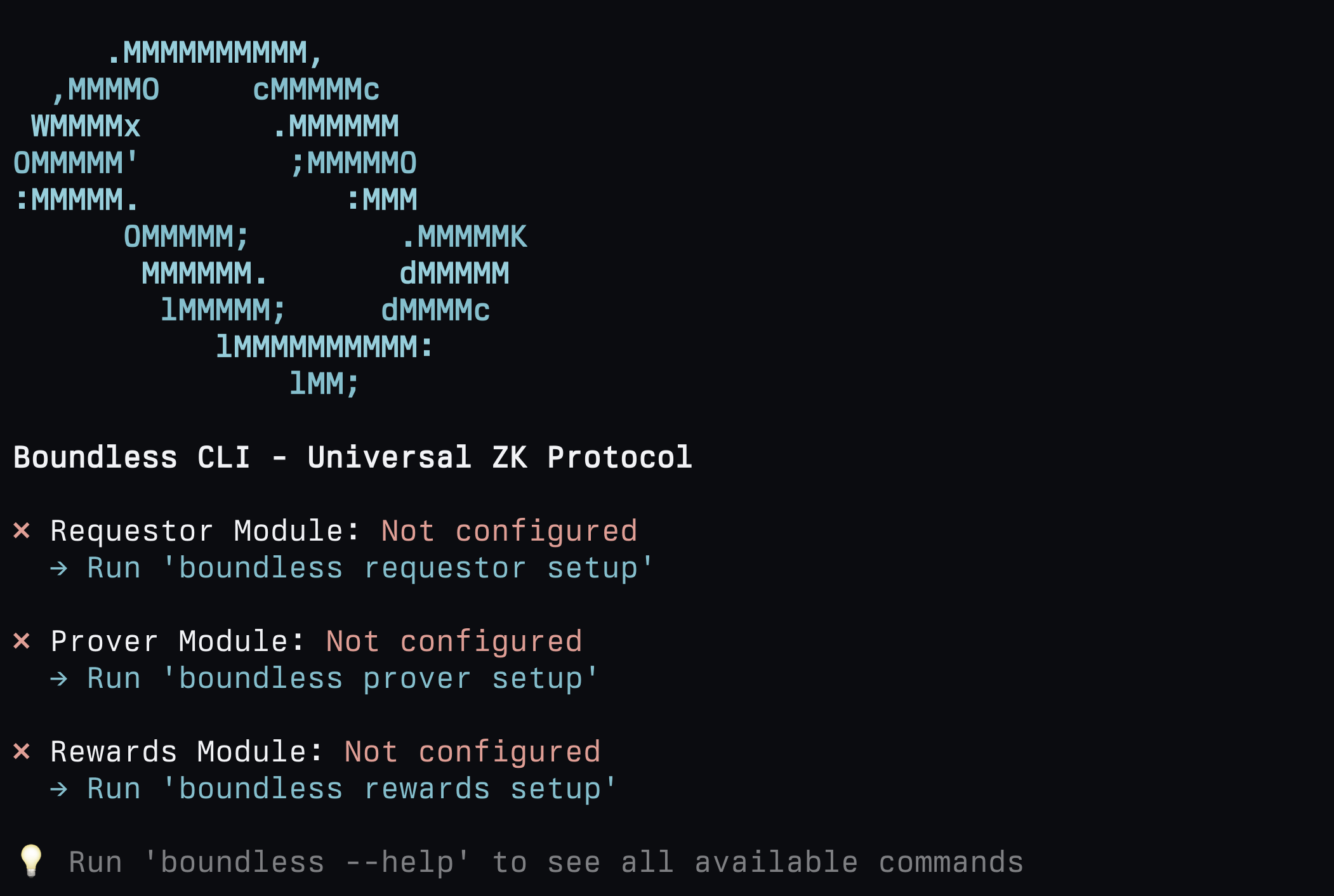
- Requestor Module: Commands for submitting proof requests
- Prover Module: Commands for locking, executing, proving and fulfilling proof requests
- Rewards Module: Commands for staking and delegating $ZKC, claiming staking and mining rewards, seeing recent rewards and more.
Module setup
Each module has a respective interactivesetup command which allows you to store (in plaintext!) variables such as relevant RPC URLs, private keys etc:
~/.boundless/ directory. Any further command calls will first check this location for the relevant secrets, otherwise it will check the flags passed directly to the command.
Multi-chain support
Therequestor, prover, and rewards modules each track their own active network. The setup wizard prompts you to pick a network and stores the per-chain RPC URL and private key under ~/.boundless/secrets.toml, keyed by chain. Subsequent commands use the active network for that module.
Supported market networks (used by requestor and prover):
The
rewards module operates on Ethereum L1 (Mainnet or Sepolia).
To list supported networks for a module and see which one is currently active:
--set with a name or chain ID:
setup stay associated with their chains, so you can flip between them without re-entering credentials.
Command help pages
For a detailed help page for a specific command, run the command with the--help flag, for example:
Modules
Requestor
The requestor module allows requestors to deposit/withdraw funds into the market, submit proof requests, track the status of any proof request, and get and verify proofs from the Boundless market. To see all available requestor module commands, run:Requestor Commands
Depositing on behalf of another address
deposit-to credits the requestor balance of a different address, with the caller paying for the transaction. Useful for funding a customer or shared requestor account.
Terminal
Prover
The prover module allows provers to deposit collateral into the market, lock and fulfill orders, carry out benchmarking, manually execute guest programs from the market (useful for debugging), and provides functionality to manually slash an order. To see all available prover module commands, run:Prover Commands
Depositing collateral on behalf of another address
deposit-collateral-to credits the collateral balance of a different prover address, with the caller paying for the transaction. Useful for shared treasuries, automated top-up services, or staking on behalf of a managed prover.
Terminal
approve + depositCollateralTo two-step. Only the recipient can later withdraw their collateral.
Rewards
The rewards module allows provers to deposit collateral into the market, lock and fulfill orders, carry out benchmarking, manually execute guest programs from the market (useful for debugging), and provides functionality to manually slash an order. For a full walkthrough on the ZK mining process, see ZK Mining Overview. To see all available rewards module commands, run:Reward Commands
Requesting a Proof via the Boundless CLI
In early testing, and when trying out new order parameters, it can be useful to submit a request via the Boundless CLI. The Boundless CLI builds upon theboundless_market library.
It covers multiple market interactions such as submitting proof requests, cancelling requests, executing dry runs, requesting the status of a given request, retrieving the journal and seal of a fulfilled request and verifying a proof.
To submit a proof, a valid request.yaml is required, this config file will specify the parameters of the request:
- Request ID
- This can be specified, or if set to 0, a random ID will be assigned.
- Requirements:
- The image ID of the program being proven.
- The contents of the outputs of the program, the journal. This is to make sure the outputs are as expected (e.g., to ensure the right input was provided, by checking an input digest committed to the journal).
- Image URL
- The link to the program stored on any public HTTP server. IPFS, used through a gateway, works well (Boundless will support IPFS URLs natively in the future).
- Input:
- The input bytes are passed to the program for execution. The input can have any encoding. The bytes will be passed to the guest without modification.
- Offer:
- This includes the minimum and maximum price for the proof request, the block number to open bidding, the price ramp up period, how many blocks before the request should timeout, and the lock-in stake the prover has to escrow to submit a bid.
request.yaml file that can be used with the boundless submit request command.
request.yaml
.env file with the following environment variables:
Terminal
Terminal
--wait option can be added:
Terminal
request submit with --offchain.
Terminal